Know when a job did not run.
Add one curl to the end of a cron job. If the ping is late past the grace window, the alert says which job and by how much.
A promise, a line, a watch.
You say when the job runs. Upglory waits for it to say it finished.
Set the promise
Every 24 hours, with 30 minutes of grace. Presets for the usual schedules, or your own.
Add the line
The job pings its own address when it finishes. Crontab, a systemd timer or a CI step.
Silence is the alert
No ping by the due time plus grace opens an incident and tells your channels.
One line, and a little more if you want it.
The ping address takes a plain request. A few extras say more about the run.
- /start marks the start, so the run time is measured
- /fail reports a failure the job caught itself
- ?duration= sends the run time in milliseconds
- Test ping send one from the app before the first real run
- New address replaces the old one at once, history stays
# every night at 2, then tell Upglory it finished
0 2 * * *  /usr/local/bin/backup-nightly \
  && curl -fsS -m 10 https://ping.upglory.io/abc123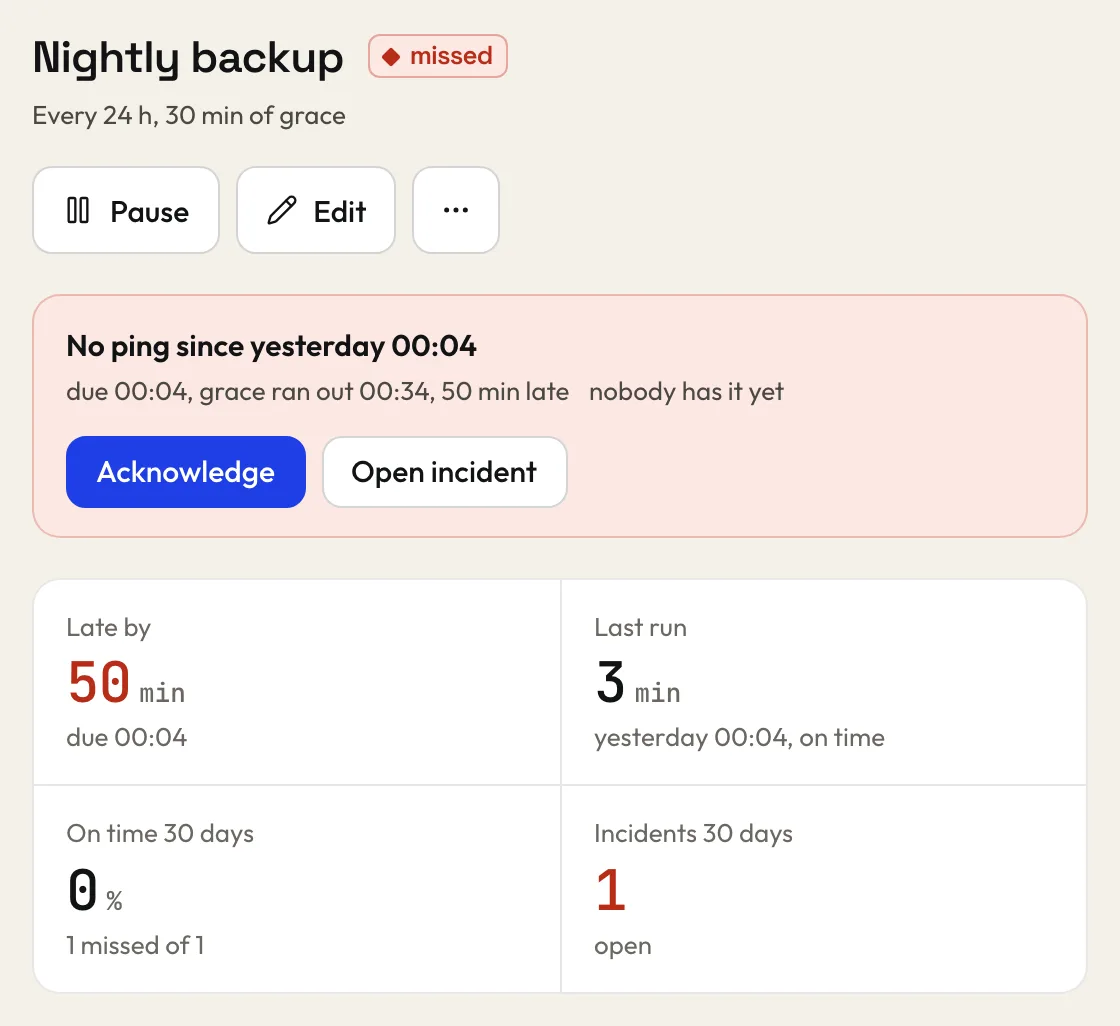
Heartbeats have their own limit.
They never share a count with monitors.
Free0 EUR
- 20 heartbeats
- any period and grace
- 90 days of history
Solo15 EUR a month
- 100 heartbeats
- any period and grace
- 1 year of history
Team49 EUR a month
- 500 heartbeats
- any period and grace
- 2 years of history
Before you add one.
Does anything alert before the first ping?
No. A new heartbeat waits for its first ping, so a job you have not deployed yet never raises an alarm.
What if the job runs for hours?
Send /start when it begins and the plain ping when it ends. The run time is measured and a long run is not a missed one.
Someone saw my ping address. Now what?
Make a new one from the heartbeat's page. The old address stops answering at once and the history stays.